

How to Access cPanel Account from Client Area
- Login to the client area.
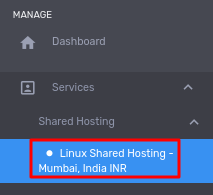
- Go to Services > Shared Hosting > Linux Shared Hosting
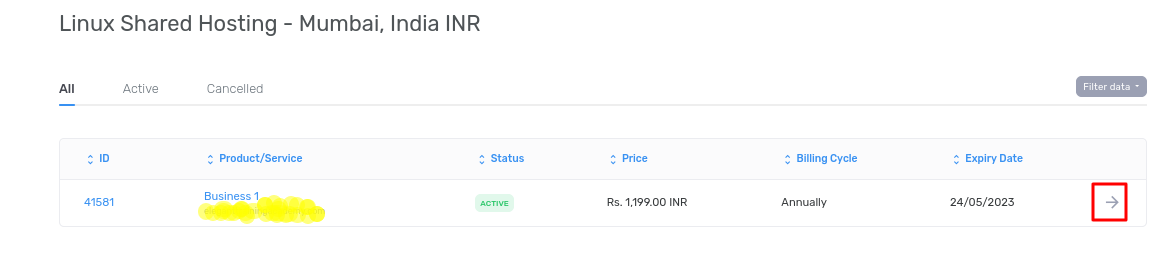
- Click on Arrow
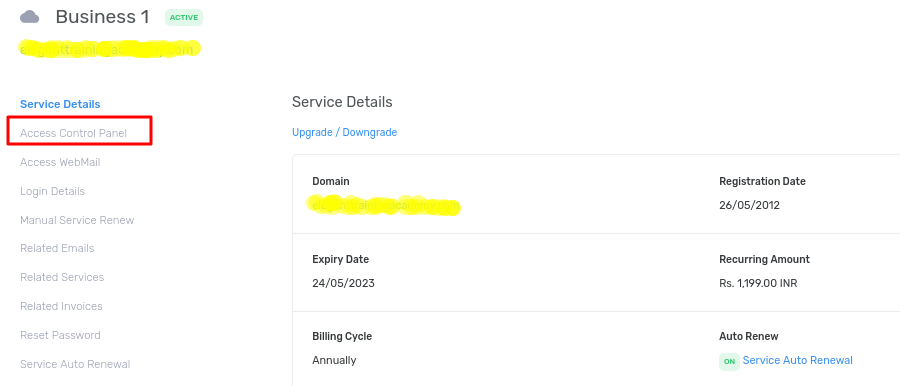
- Click on Access Control Panel
- Click on Blue Button- Click here to Access Control Panel:
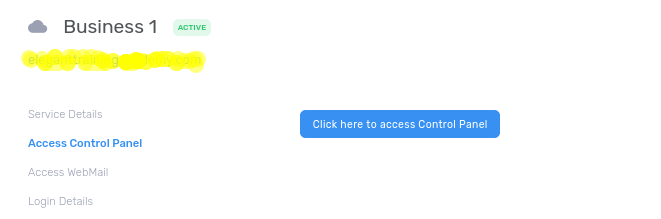
- You will be redirected to cPanel.