
- Login to Plesk.

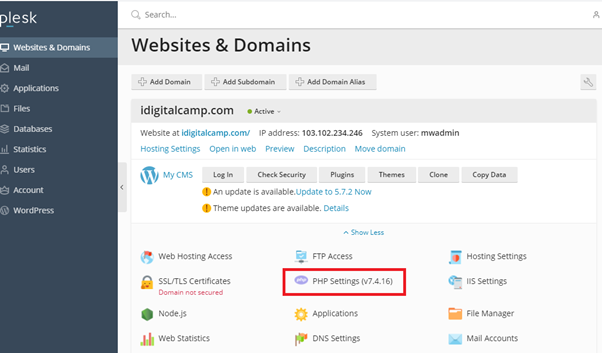
- Click on ‘Websites and Domains’ and select the domain.
- Click on ‘PHP Settings’.
- Change the necessary parameter as shown in the screenshot below. In case the parameter value is not displayed in the drop-down menu, you can put it in the given space manually.
Configure The Performance & Security Settings:
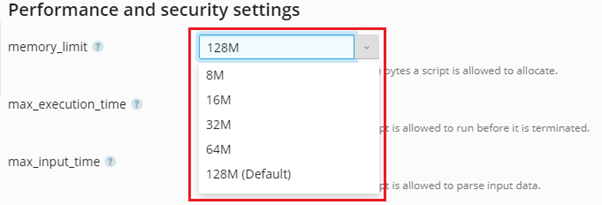
- Select the memory limit from the drop-down list.
- Select the max_execution_time from the drop-down list.

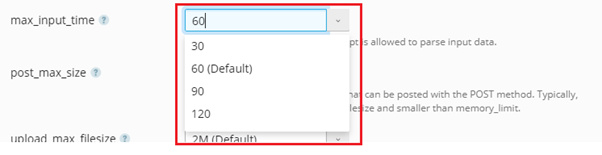
- Select the max_input_time from the drop-down list.
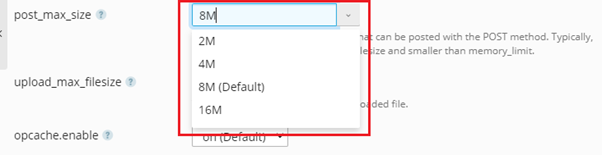
- Select the post_max_size from the drop-down list.
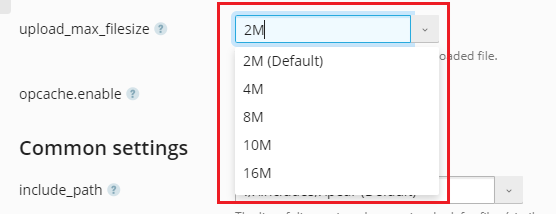
- Select the upload_max_filesize from the drop-down list.
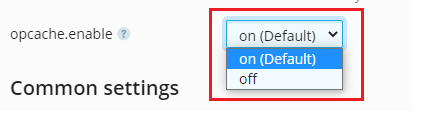
- Select the opencache.enable from the drop-down list.
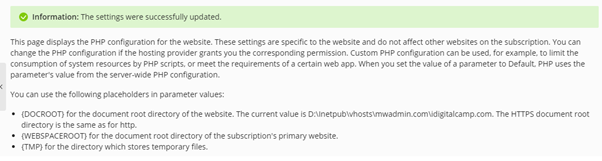
- When you have selected the parameters for all the sections, click on ‘Apply’.

- When you click on apply, you will get a message that the settings will be updated.